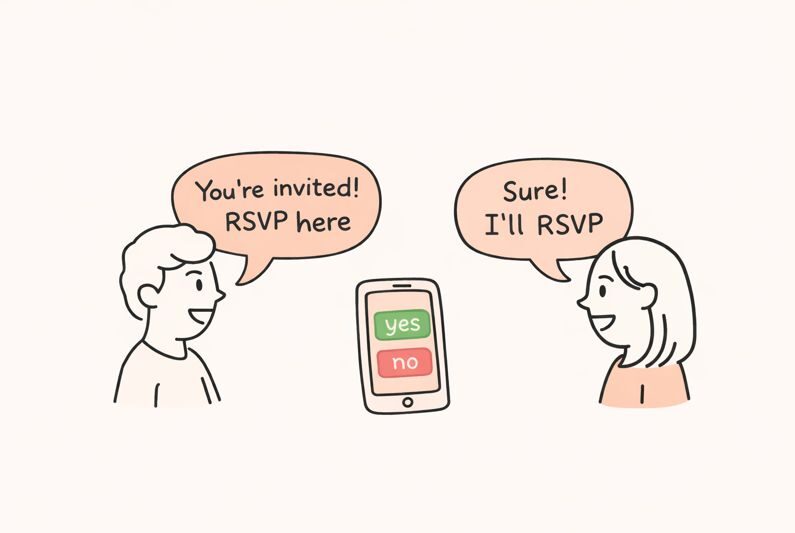
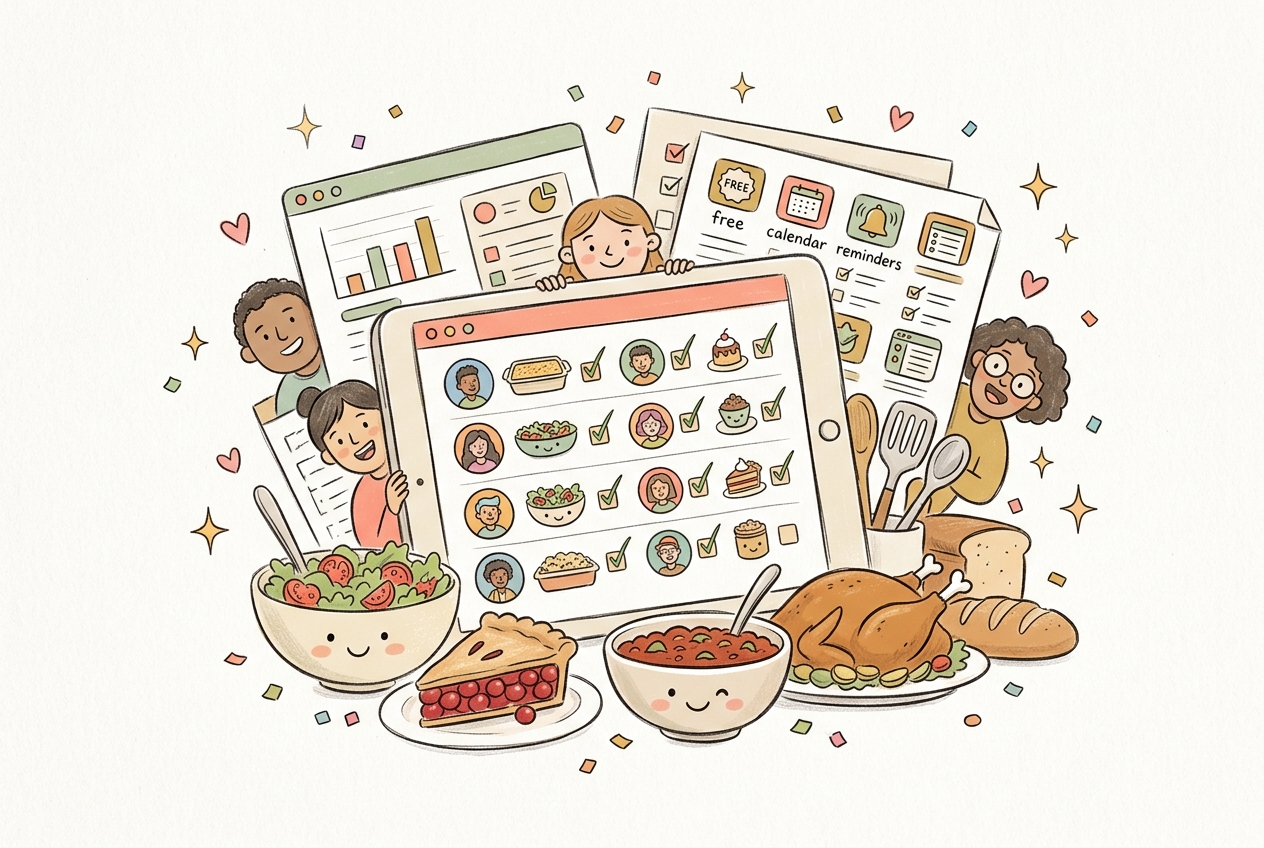
A potluck signup sheet online solves one problem: too many people bringing the same dish and nobody bringing the one you actually needed. Instead of a paper sheet taped to a fridge or a group text nobody reads, a good online signup shows every dish claimed in real time, so your host isn’t the one tracking it all in their head.
Below is a comparison of the free tools people actually use for potluck signups, plus how to set one up in a few minutes and word it so people actually respond.
Quick verdict: For most potlucks, a free Mixily event page beats a spreadsheet or a paper sheet because guests claim a dish, see what’s already taken, and get a reminder before the day, all without an account or an ad. Create your free potluck signup on Mixily →
Key takeaways:
- A working potluck signup needs three things: dish categories, real-time visibility into what’s already claimed, and a way to flag allergies.
- A shared spreadsheet works, but someone has to keep checking it and remind people who forgot to fill in their row.
- Assign categories, don’t leave it open-ended. “Bring a dish” gets you five bags of chips; “bring a side or dessert” gets you a meal.
- Office and holiday potlucks need the same signup sheet, just with a shorter RSVP window and a company-covers-the-main-dish line.
What a Potluck Signup Sheet Actually Needs
A potluck signup sheet is only useful if it does more than list names. At minimum, it needs:
- Dish categories: appetizer, side, main, dessert, drinks, so the meal balances out
- Real-time visibility: guests should see what’s already claimed before they pick their own dish
- Headcount: how many people are actually coming, since dish quantities depend on it
- Allergy or dietary flags: a place for guests to note what’s in their dish
- A deadline: so the host knows what’s still missing a few days out, not the morning of
If your actual party planning, not just the signup sheet, is what’s stressing you out, I’ve written a broader guide to planning a party from scratch that covers the rest of it. And if you want the potluck itself walked through step by step, from portion sizes to timing, I’ve got a complete potluck planning guide too.
Best Free Online Potluck Signup Sheet Tools Compared
Here’s how the most common free options stack up against each other:
| Tool | Price | Ads | Dish sign-up built in | RSVP tracking | Guest capacity |
|---|---|---|---|---|---|
| Mixily | Free | None | Yes, claim-a-dish list | Yes, built in | Up to 40 free (100+ on paid plans) |
| Google Sheets / Doc | Free | None | Manual, guests type in a row | No | Unlimited, but manual |
| SignUpGenius | Free tier, paid upgrades | Yes, on free tier | Yes | Yes | Limited on free tier |
| Perfect Potluck (app) | Free | Yes | Yes | Basic | Unlimited |
| Paper sign-up sheet | Free | None | Yes, but only visible in person | No | Whoever sees the fridge |
Mixily
A free Mixily event page lets guests RSVP and claim a dish from a shared list, so nobody has to cross-check a spreadsheet before typing in their row. It’s ad-free, doesn’t require guests to create an account, and sends automatic reminders before the potluck so stragglers actually respond.
Google Sheets or Google Docs
A shared spreadsheet works if your group is small and everyone actually opens the link. The tradeoff: nothing stops two people from both writing “mac and cheese” in their row unless someone’s actively watching it, and there’s no built-in RSVP or reminder system.
SignUpGenius
SignUpGenius is built specifically for sign-up sheets and does dish claiming well, but the free tier caps you at a limited number of sign-up slots and shows ads to your guests. For a bigger potluck, you’ll likely hit the paid tier.
Perfect Potluck
Perfect Potluck is a dedicated app for exactly this use case, but it runs ads on the free version and guests often need to download something or click through an unfamiliar app link, which slows down RSVPs.
Paper Sign-Up Sheet
The classic taped-to-the-fridge sheet still works for a small group that’s all in the same house regularly, like a weekly family dinner. It falls apart the moment someone can’t swing by in person to check what’s already claimed.
Assign dish categories before you open the sign-up, so people are choosing from “side, dessert, or drink” instead of guessing. It’s the single biggest fix for potluck imbalance.
Post a blank sign-up with no categories and hope it sorts itself out. It won’t. You’ll end up with three pasta salads and zero desserts, and find out the morning of.
How to Set Up a Potluck Signup Sheet in Minutes
Pick your categories first. Decide how many dishes you actually need in each category (appetizers, sides, mains, desserts, drinks) based on your headcount, before you invite anyone to sign up.
Add the event details. Date, time, address, and the RSVP deadline, ideally a week out so you have time to fill gaps.
List the categories as claimable slots. Whether that’s a Mixily event page, a spreadsheet, or a sign-up app, guests should see exactly what’s open and what’s taken.
Ask for dish details, not just a name. A one-line note about what’s in the dish catches dietary needs before anyone’s standing at the buffet table asking.
Send a reminder close to the date. People forget what they signed up for. A short nudge a day or two before cuts down on last-minute no-shows and forgotten dishes.
Not every potluck needs a full spreadsheet. For a backyard hang or a casual dinner, a free Mixily event page does the same job with less setup: guests RSVP, claim a dish, and see who else is coming, all on one link. Set up your potluck signup on Mixily →
Potluck Signup Sheet Wording You Can Copy
The signup sheet handles who’s bringing what. The invitation still needs to say it plainly. If you’re hosting a Thanksgiving or Friendsgiving potluck specifically, I’ve written out full wording examples, including dish assignment lines, in my Thanksgiving invitation wording guide and Friendsgiving invitation wording guide. Both cover exactly how to ask for a dish without it sounding like an order.
A short version that works for almost any potluck:
[Host]'s potluck, [date] at [time], [address]. We've got [main dish] covered, can you bring a side, dessert, or drink? Reply with your dish by [date] so we can fill in any gaps.
Office and Holiday Potluck Signups
Office potlucks and holiday potlucks need the same signup logic, just compressed into a shorter window. Coworkers RSVP later than family does, so send the sign-up sheet with a firm deadline 3 to 4 days out, and be explicit about what the company is covering versus what’s a personal dish.
This matters just as much for a December office potluck as it does for an October one. If your team’s holiday gathering leans more toward a formal invite than a sign-up sheet, my holiday party invitation wording guide has the wording for that side of it.
Tell coworkers exactly what the company is providing (usually the main dish and drinks) so nobody double-brings a turkey.
Assume everyone checked the sign-up sheet. Send a reminder message two days before with a short list of what’s still needed.
Potluck Signup Sheet FAQ
What should a potluck signup sheet include?
A working signup sheet needs dish categories, real-time visibility into what’s already claimed, a headcount, a spot for allergy or dietary notes, and a clear RSVP deadline. Without categories, you end up with duplicate dishes and empty ones.
Is there a free online potluck signup sheet?
Yes. A free Mixily event page lets guests RSVP and claim a dish from a shared list with no account required. Google Sheets is also free but requires someone to actively manage duplicate claims, and free-tier apps like SignUpGenius or Perfect Potluck typically show ads.
How do you stop everyone from bringing the same dish?
Assign categories instead of leaving it open. Ask guests to pick from “side, dessert, main, or drink” rather than just “bring something,” and use a tool where claimed dishes are visible to everyone signing up after them.
How far ahead should you send a potluck sign-up?
Send it 3 to 4 weeks out for a big family potluck, and set the RSVP deadline about a week before so you have time to fill any gaps in categories. Office potlucks can go out with a shorter, 3 to 4 day window.
How do you handle food allergies on a potluck sign-up?
Ask guests to note what’s in their dish when they claim it, not just the dish name. A simple line like “peanut-free” or “contains dairy” next to each dish lets guests with allergies scan the list themselves instead of asking the host one by one.
Fill the Gaps, Not the Fridge
A potluck signup sheet’s whole job is making sure every category gets covered and nobody finds out about a duplicate casserole on the day of. Pick a tool that shows claimed dishes in real time, assign categories up front, and set a real deadline.
Want the sign-up, the RSVPs, and the reminders handled on one link? Put your potluck on a free Mixily event page. Guests claim a dish, RSVP is tracked automatically, and everyone gets a reminder before the day, so you’re not the one texting five people to ask what they’re bringing. Get your potluck signup live on Mixily →
Related reading: How to Plan a Party: The Complete Beginner’s Guide | How to Organize a Potluck: Step-by-Step Guide | Thanksgiving Invitation Wording: Examples You Can Copy | Friendsgiving Invitation Wording: Examples You Can Copy | Holiday Party Invitation Wording: Examples You Can Copy